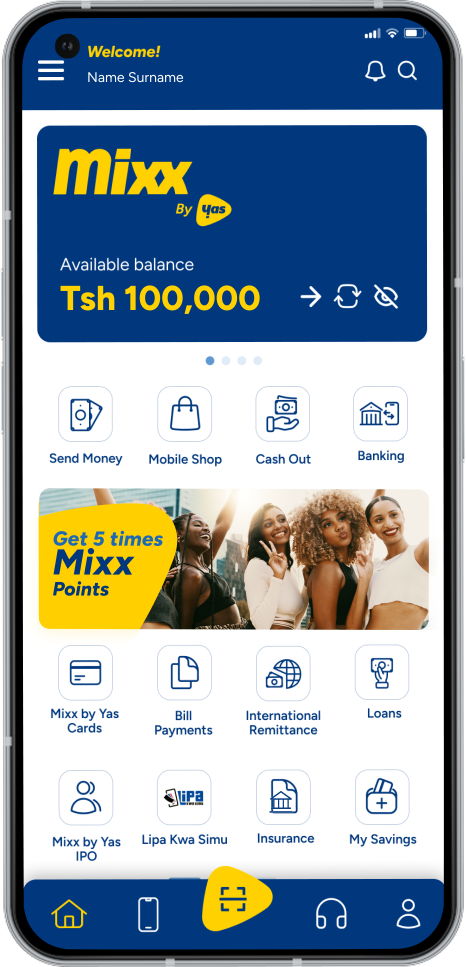
One stop shop to all your financial needs
Mixx Super App is your all-in-one mobile money platform for fast, secure, and easy transactions. Check your balance, send money, recharge airtime, pay bills, transfer to your bank, and more. Everything you need in one seamless app. Join thousands who trust Mixx to simplify their finances. Download the app today and take full control of your money.
No need for multiple devices. Add all your accounts to one app and switch profiles with ease
Easily send money to multiple people. Fast, simple, hassle-free
Add a birthday wish, anniversary note, or seasonal greeting to make every transaction more meaningful with personalized messages
Use the app to find the nearest Yas Store or agent wherever you are.
Corporate Mixx partners can now use the Mixx Super App to send salary advances and manage expenses.
Access essential mini apps like the DStv App, TRC App, and more, conveniently embedded within the Mixx Super App.

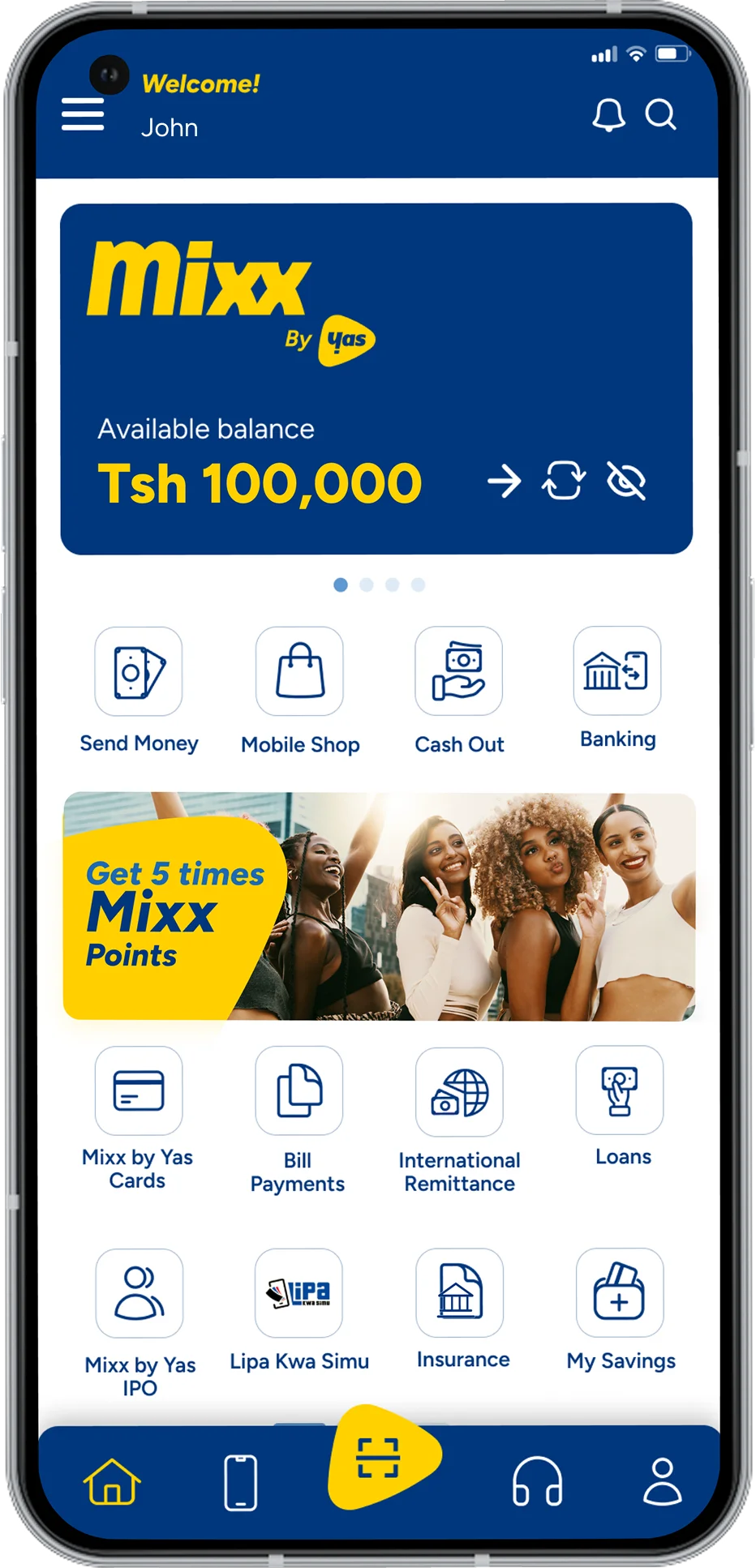
All important services which are currently available on Mixx through USSD will also be available on the smartphone application. E.g
Yes, you will use the same Mixx PIN used when accessing through USSD *150*01#
Yes, it doesn’t matter which network you’re using .Just make sure your Yas number is in the device when registering the App and there after you can use the App with any network.
The customer can download the App by visiting their App store or by clicking on the link that will be sent to them via SMS or visit out Yas Website to download the App
The link can be found on Yas website, or visiting the App stores directly via your devices or visit our Yas website to download the App.
The application can take a couple of minutes depending on the speed of your internet connection.
No. Normal Mixx charges will apply. Data service through Yas will not be charged when using the Mixx Super App.
There are no extra charges for the customer to download the Mixx Super App. It’s normal charges used in downloading any other App.
If that happens: Switch off Wi-Fi and Check if your phone has an internet connection or alternatively contact Yas customer care.
All you need is: Your IOS or android phone with Yas Data network and your registered Yas number
You should call customer care to ensure the device is deregistered, you can also download the the Mixx Super App on the new device and continue using it.
No, your money will be safe since your wallet is still protected by your Mixx PIN.
You can visit the website to view the list of supported devices this might be updated periodically as new devices are added to the list.
You can reset your password by calling Yas customer care on 100, or visiting any of our Yas Shops.
Yes, the application works anywhere in Tanzania as long as your device has Wi-fi/data connection, it also works anywhere in the world as long as your device/handset has Wi-fi/data connection.
The application can either be in Swahili or English, the user has an option of changing it any time in the App itself.
Yes, you can save and delete at any time. The application gives you a choice of saving the reference each time you perform a transaction and with a Description box for every transaction you do.
The app uses the latest security feature to protect you as the consumer, but we would like to remind our customers of the importance of never sharing your PIN with anybody, and to note that Yas staff will never require you to provide us with your PIN.
Yes, you can continue using both the *150*01# short code and the Mixx Super App.
Yes, you can install the application on multiple devices at the same time and access from any of your registered devices; you can view all your registered devices and also easily deregister.